Posts

How to blur background images?
Image
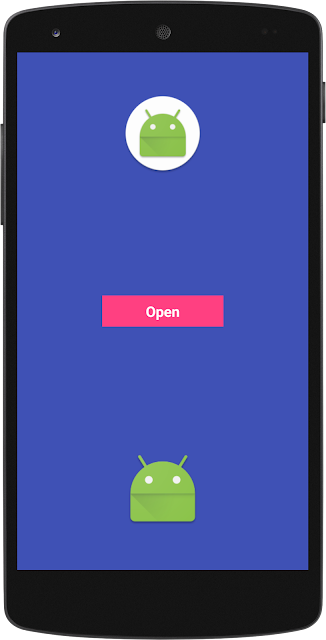
There are many libraries available for blur the background.They are providing many good functionalities if your need is just blur the background then you don't need to import big libraries.Here is the simplest way to blur your background lets have a look.   Let us starting with Layout.XML file.Let's create activity_main.xml you can choose your own name and set the id to the parent layout.Here I gave the name "relFullScreen" don't forget to set the id to parent layout this is very important we see it later on. <?xml version="1.0" encoding="utf-8"?> <RelativeLayout xmlns:android="http://schemas.android.com/apk/res/android" android:id="@+id/relFullScreen" android:layout_width="match_parent" android:layout_height="match_parent" android:background="@color/colorPrimary"> <ImageView android:layout_width="100dp" android:layout_height="100dp" android:layout...
Upload Image using okHttp

Many developer facing the problem with upload image using okHttp.So here is the clear solution which works with every OS.You just need to implement this " Multipart Request " class. OPTION 1 : First of all Download the OkHttp dependency and paste it into your build.gradle file. dependencies {    compile 'com.squareup.okhttp3:okhttp:3.7.0' } OPTION 2 : Or If you have .jar file for OkHttp then put it into libs folder and then paste the below code in build.gradle file. dependencies {    compile files('libs/okhttp-3.7.0.jar') }   You can choose any option from above either options 1 dependency or option 2 jar file choice is yours. Now, add useLibrary Http legacy in build.gradle file inside android method. android {     useLibrary 'org.apache.http.legacy' } Now let us create a class with the name of " MultipartRequest " and paste the below code. import android.content.Context; import android.util.Log; import org.apache.http.Ht...

How to remove a particular activity from android stack?

             Most common problem face, when developing the application which has the circular flow or you can say loop flow. For E.g. Suppose if you move from A ➜ B ➜ C ➜ D ➜ E then from E ➜ C in C you click on some button and move to C ➜ D.             Now when you move from E ➜ C ➜ D it will create another copy of C activity and D activity to stack.So whenever you press back button your flow look like this D [New Activity] ➜ C [New Activity ] ➜ E ➜ D [Old Activity] .So to overcome this issue here is the simple solution. First of all lets create HashMap static object with name of " screenStack ".   public static HashMap<String, Activity> screenStack; Now, create method addActivities() which add the activity in screenStack. // Add activity public static void addActivity(String activityName, Activity activity) {     if (Config.scr...

How to increase the duration of toast message in android

I saw many questions regarding the increase in Toast duration. Many developer struggle with this even I also face this when I was new in android developing.So, Here are the two easy and fast techniques to increase the Toast duration. 1) Using For Loop : int duration = 7; for (int i = 0; i < duration; i++) {     Toast.makeText(Activity.this, "Hello", Toast.LENGTH_LONG).show(); } 2) Using CountDown Timer : /* Duration is in seconds.     If you wish to write something like this (7 * 1000). */ int duration = 7000; /* Duration is in seconds.     You can change the interval time according to your need.     Here we take interval of every one second. */ int interval = 1000; CountDownTimer countDownTimer = new CountDownTimer(duration, interval) {     @Override     public void onTick(long l)     {        Toast.makeText(Activity.this, "Hello", Toast.LENGTH_LO...

Getting started with android

Image
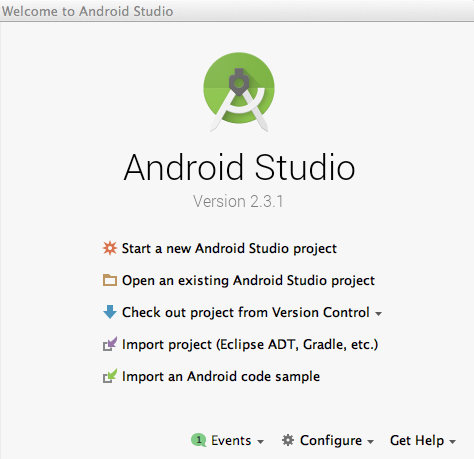
Before you start with coding lets download & install Android Studio .Over here you can find all the details regarding I nstallation , System Requirement, C ommand line tools etc. Now after the successful installation of android studio lets get started with simple Android application.     Create An Android Application After successful installation of android click on android studio.Sometime it takes some time to load depending on your system so, be patience.Once the android studio started it show screen like below. Now click on " Start a new Android Studio Project " and then you move to " Configure your new project " screen like below. Here it will ask you to enter  Application Name Package name (It will automatically taken from company domain) Project location (Your Project Directory where you want to save) Now we let us enter the application name as " FirstAndroidApp " then company domain "droid.com...